

A2A payments with built-in account verification
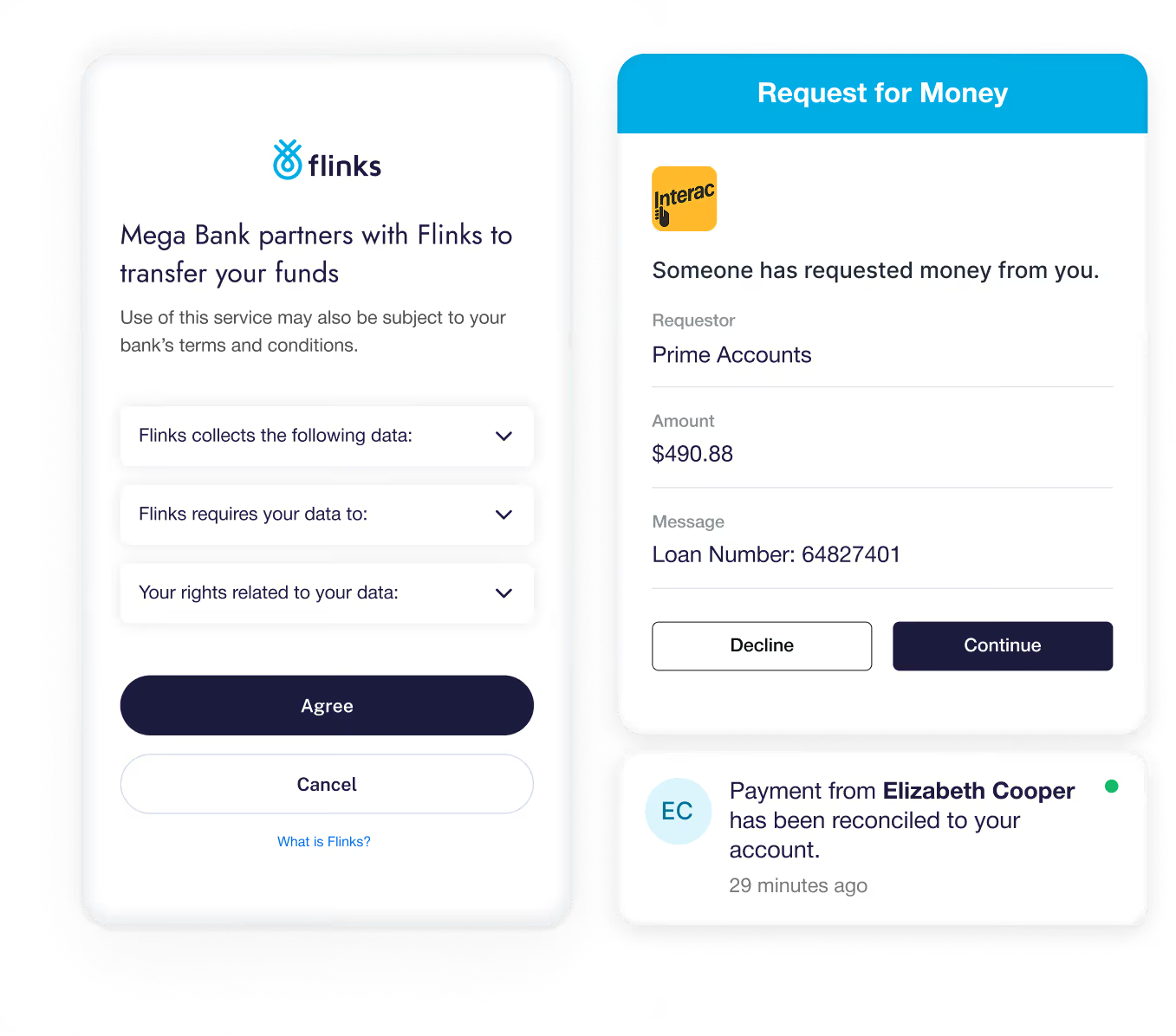
Initiate account-to-account payments using Canadian rails like EFT and Interac Request for Money, with account verification powered by Flinks.
Trusted by leading financial institutions and innovators


How Flinks Pay works
Create a payment request
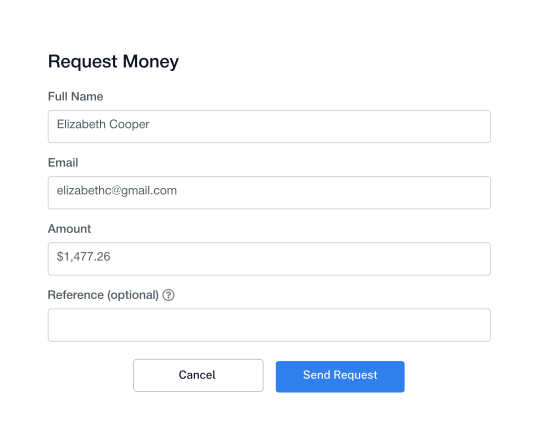
Initiate a payment request through the Flinks Pay API. Use endpoints to validate your customer’s identity and specify the amount.
Create a payment request
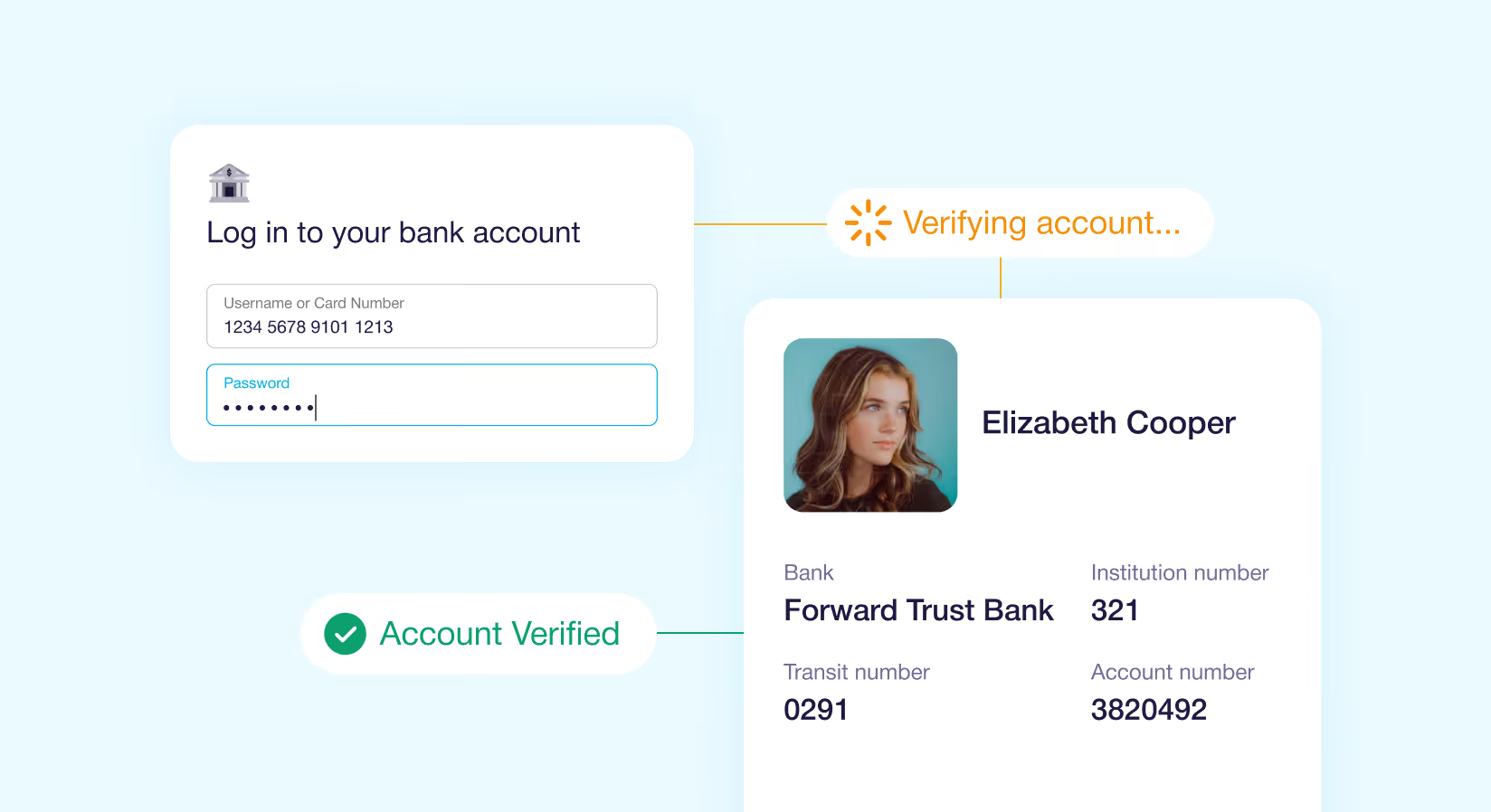
Customers securely connect their bank account through a Flinks embedded flow using OAuth where supported, or by entering their credentials.
Send notification to customer
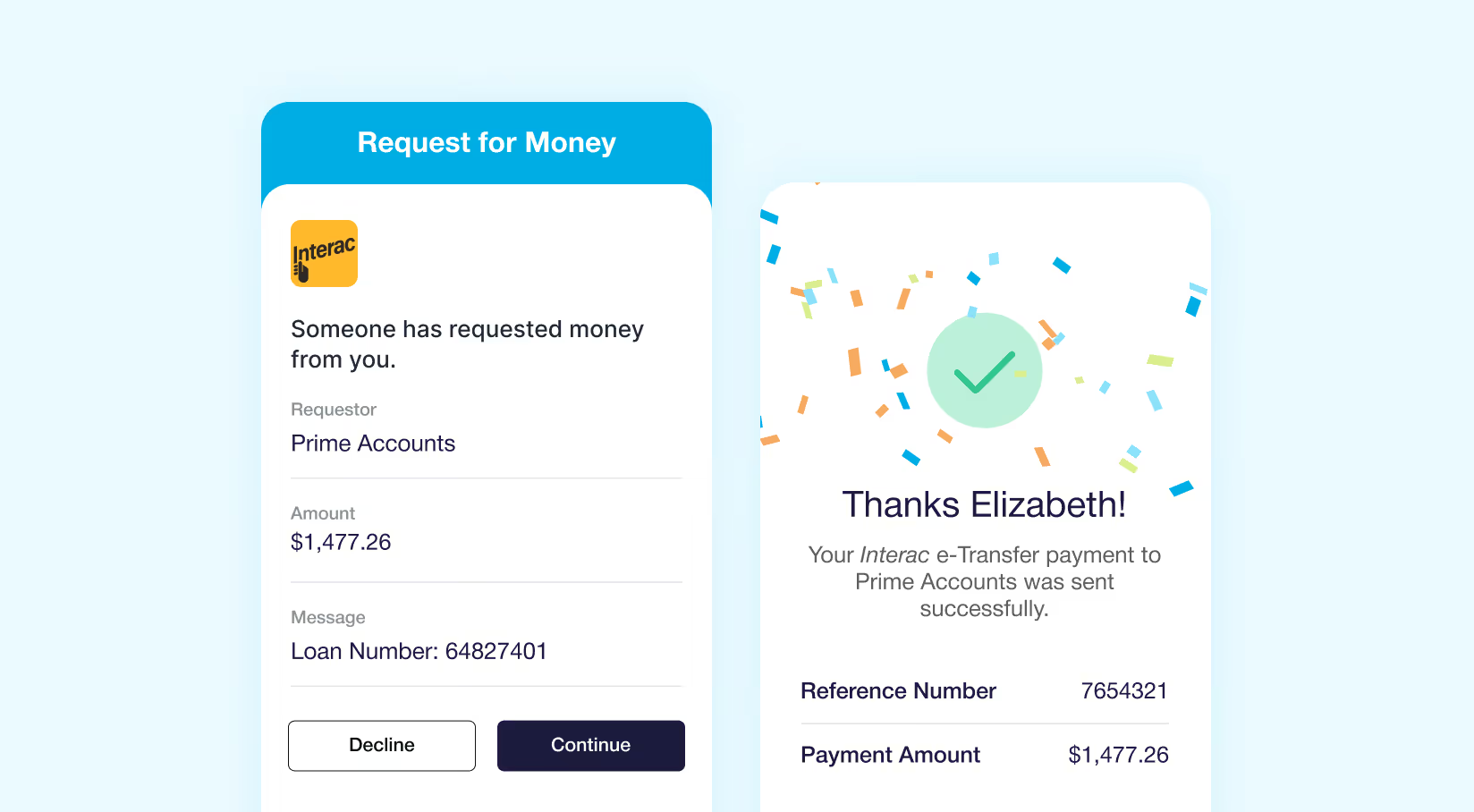
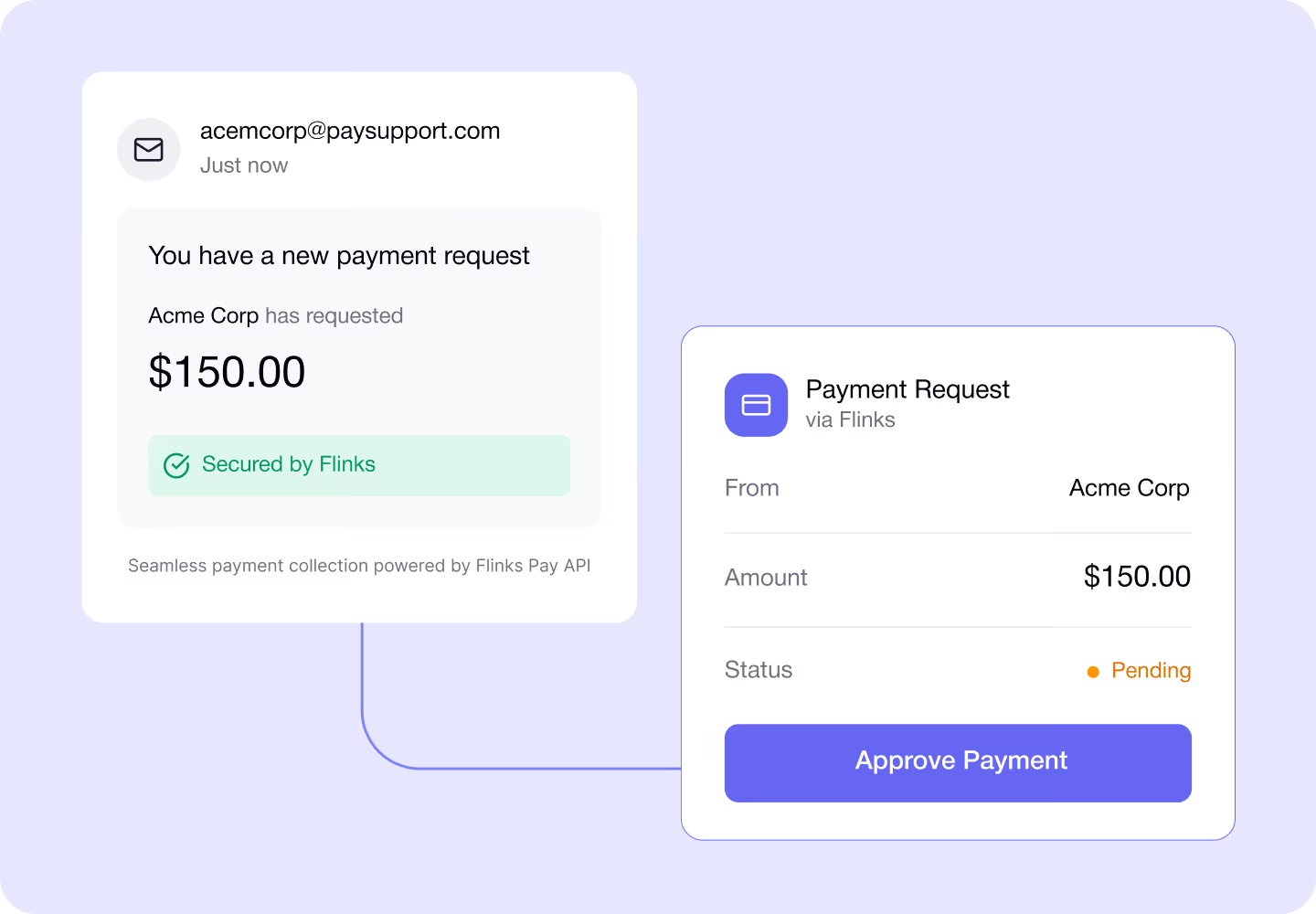
The customer receives a branded email notification and clicks the link to approve the payment through their bank.
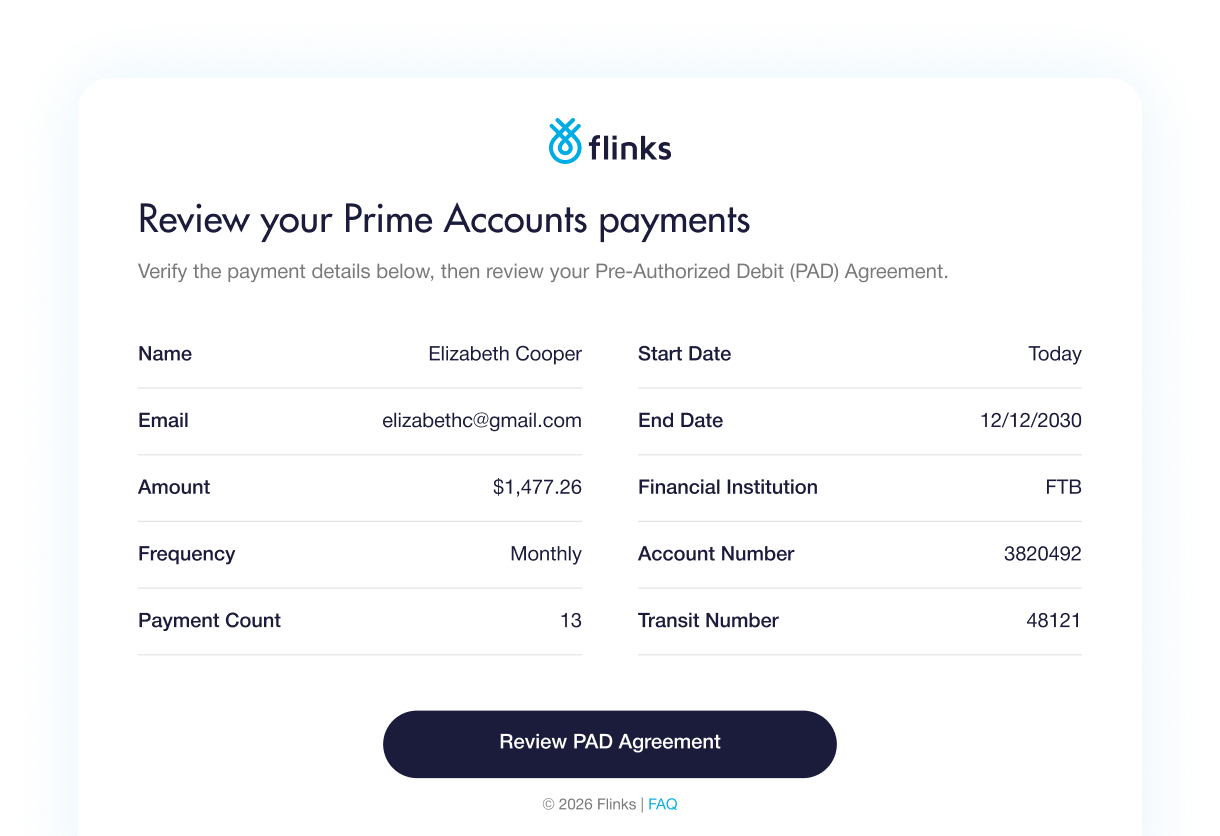
Generate the PAD agreement
In a separate flow, your platform presents a PAD agreement to the customer as part of the payment authorization process
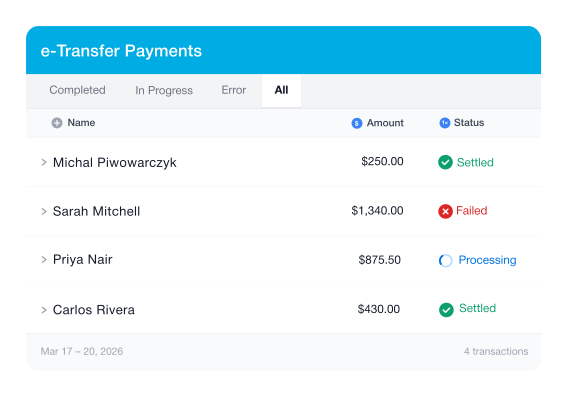
Get the status of your payment request
Once approved, the payment is processed through Interac and typically completes within 30 minutes. Use the API to track payment status.
Initiate the payment
Your backend submits the payment instruction through the Flinks Pay API and the payment is processed on the scheduled date.
The Flinks difference
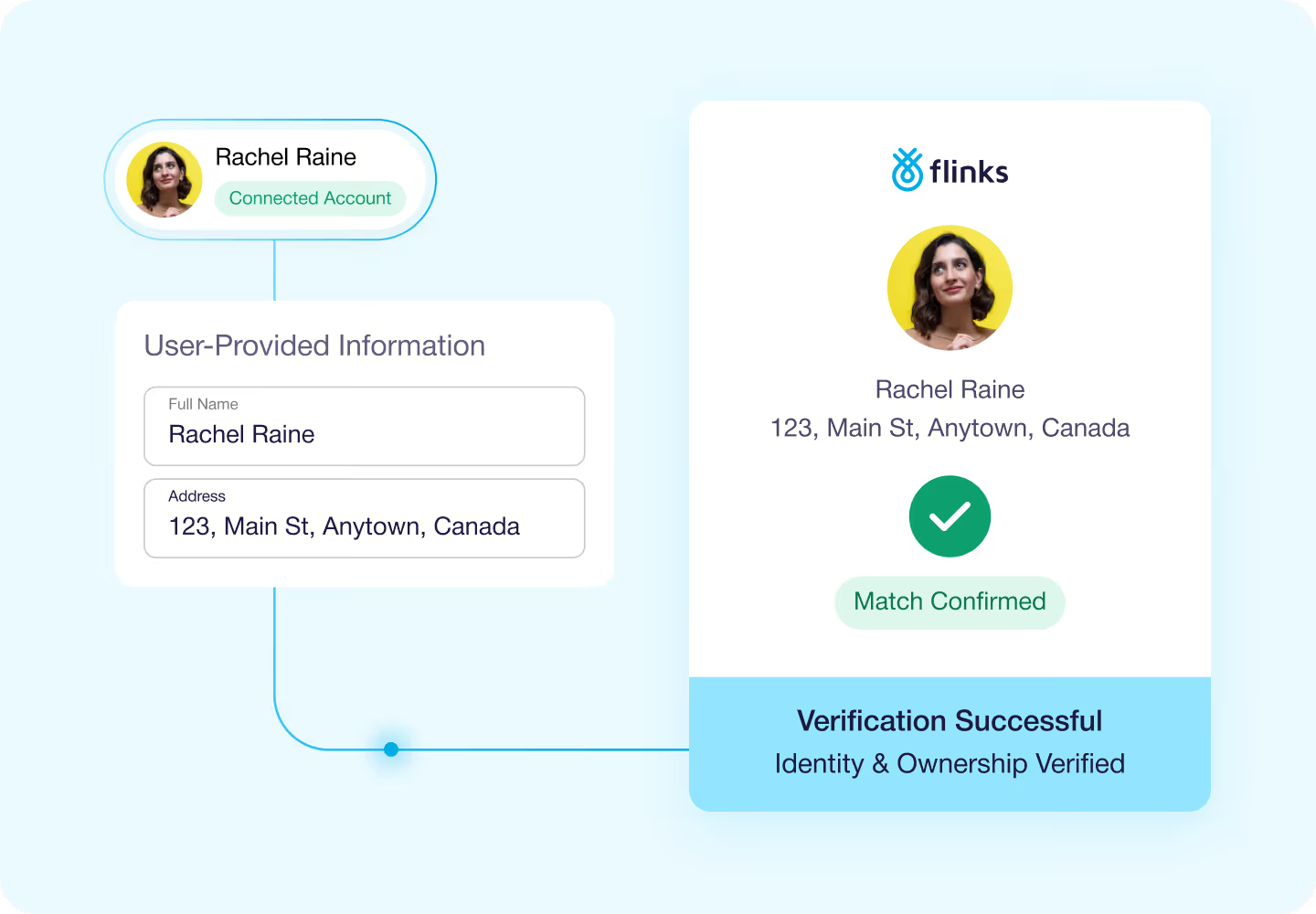
Confirm bank account ownership
Verify customer bank accounts before initiating payments using Flinks’ financial connectivity infrastructure. Customers can securely connect accounts from over 15,000 financial institutions across North America, helping confirm account ownership and reduce payment errors.
Initiate Interac Request for Money payments
Request payments directly from your customers using Interac Request for Money. Send payment requests through the Flinks Pay API and notify customers via branded email so they can approve the transaction through their bank.
Track payment status via API
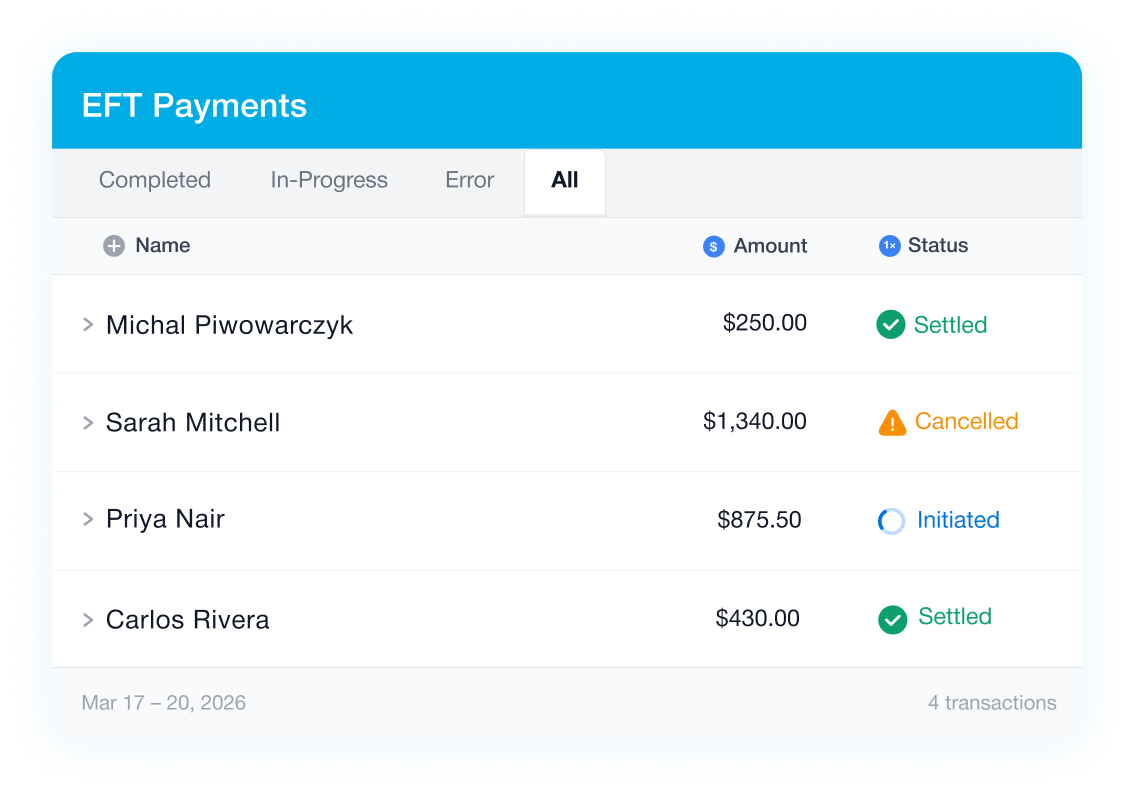
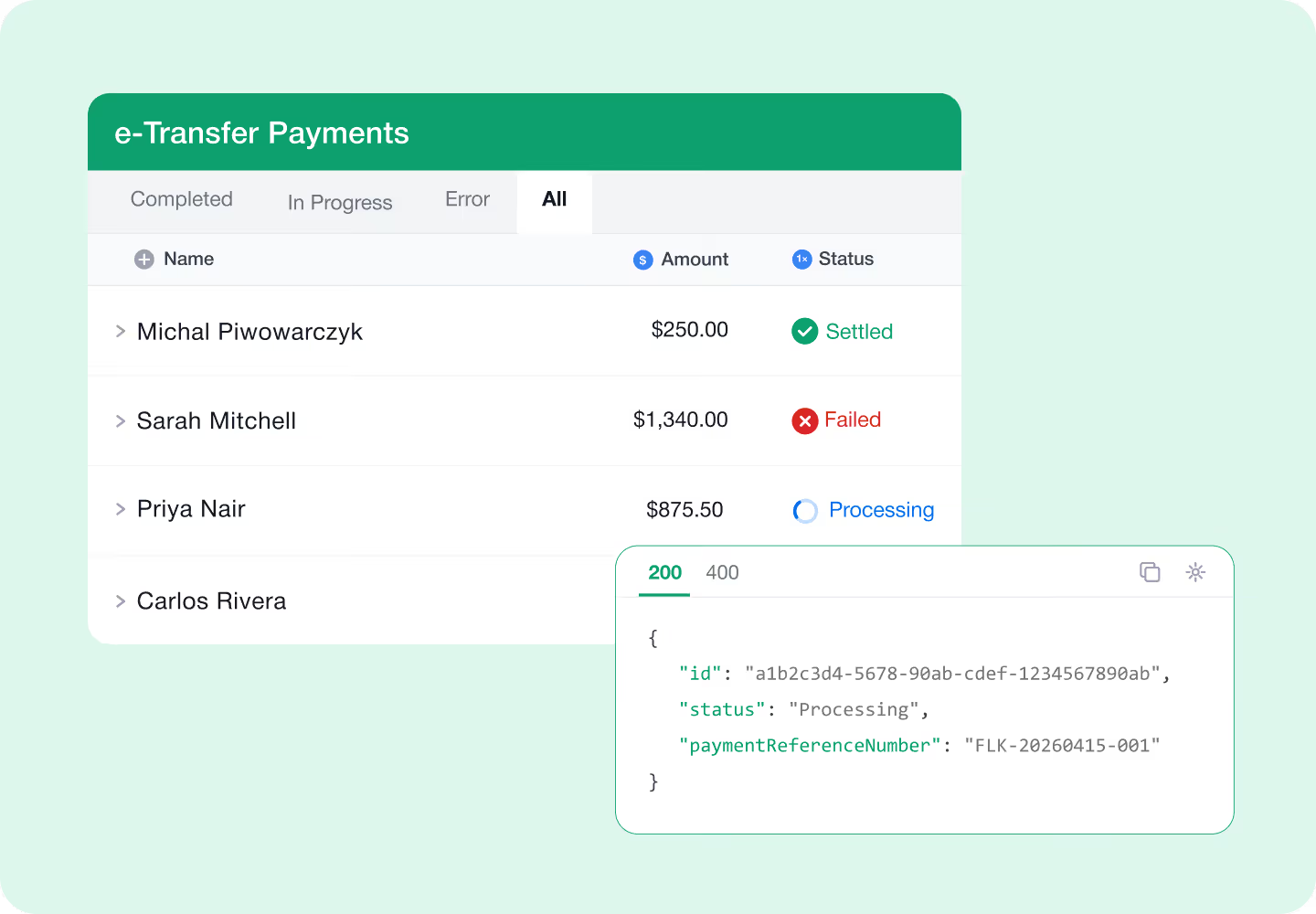
Track EFT and Interac payment using the Flinks Pay API. Monitor events such as payment initiated, processing, and completion so you always know the status of each transaction.
Schedule EFT and PAD payments
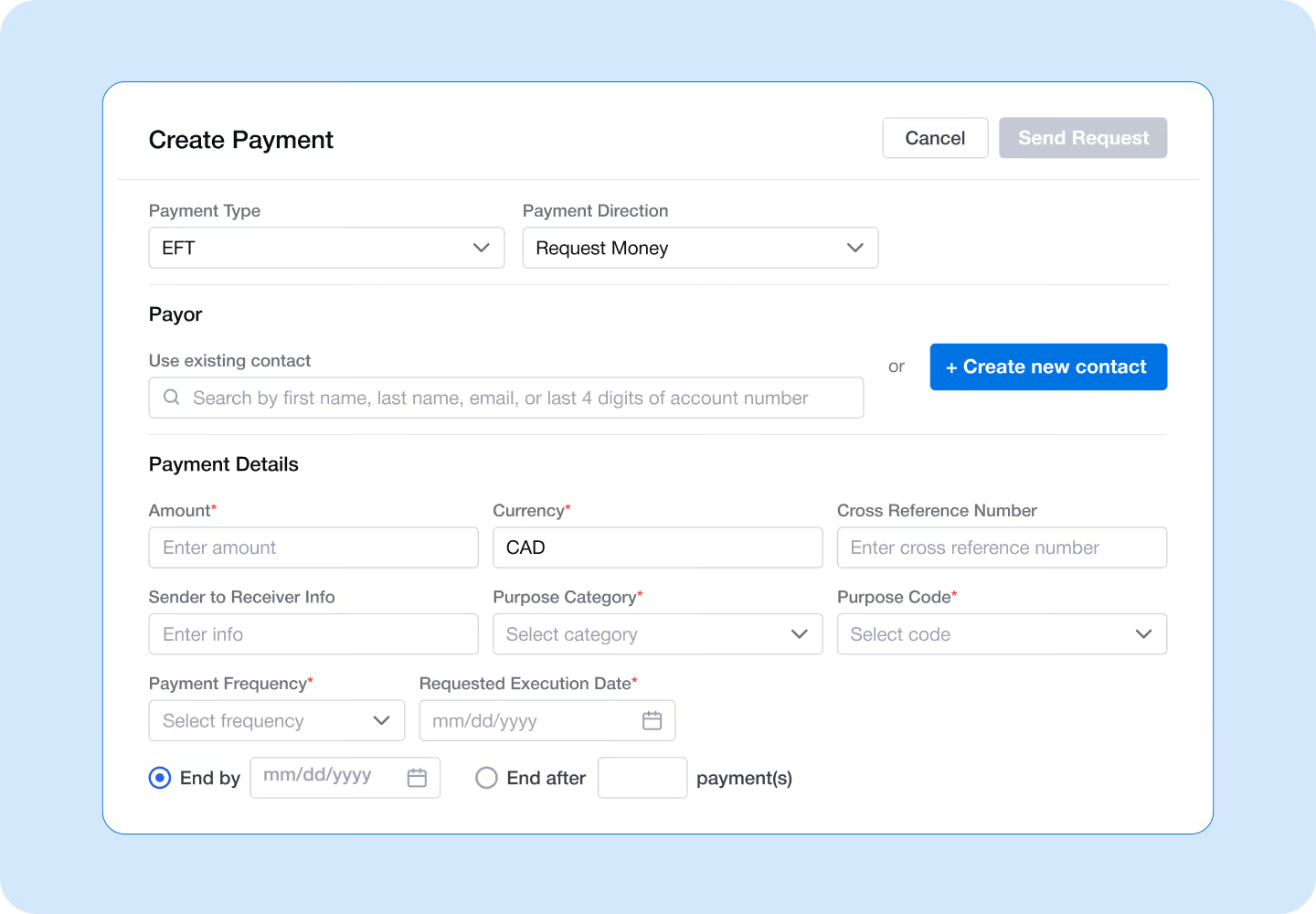
Initiate Electronic Funds Transfer (EFT) payments and schedule Pre-Authorized Debit (PAD) collections through Flinks Pay. Submit payment instructions through the API and configure details such as amount, frequency, and processing date to support recurring billing, subscriptions, and loan repayments.
Manage payments through the Flinks dashboard
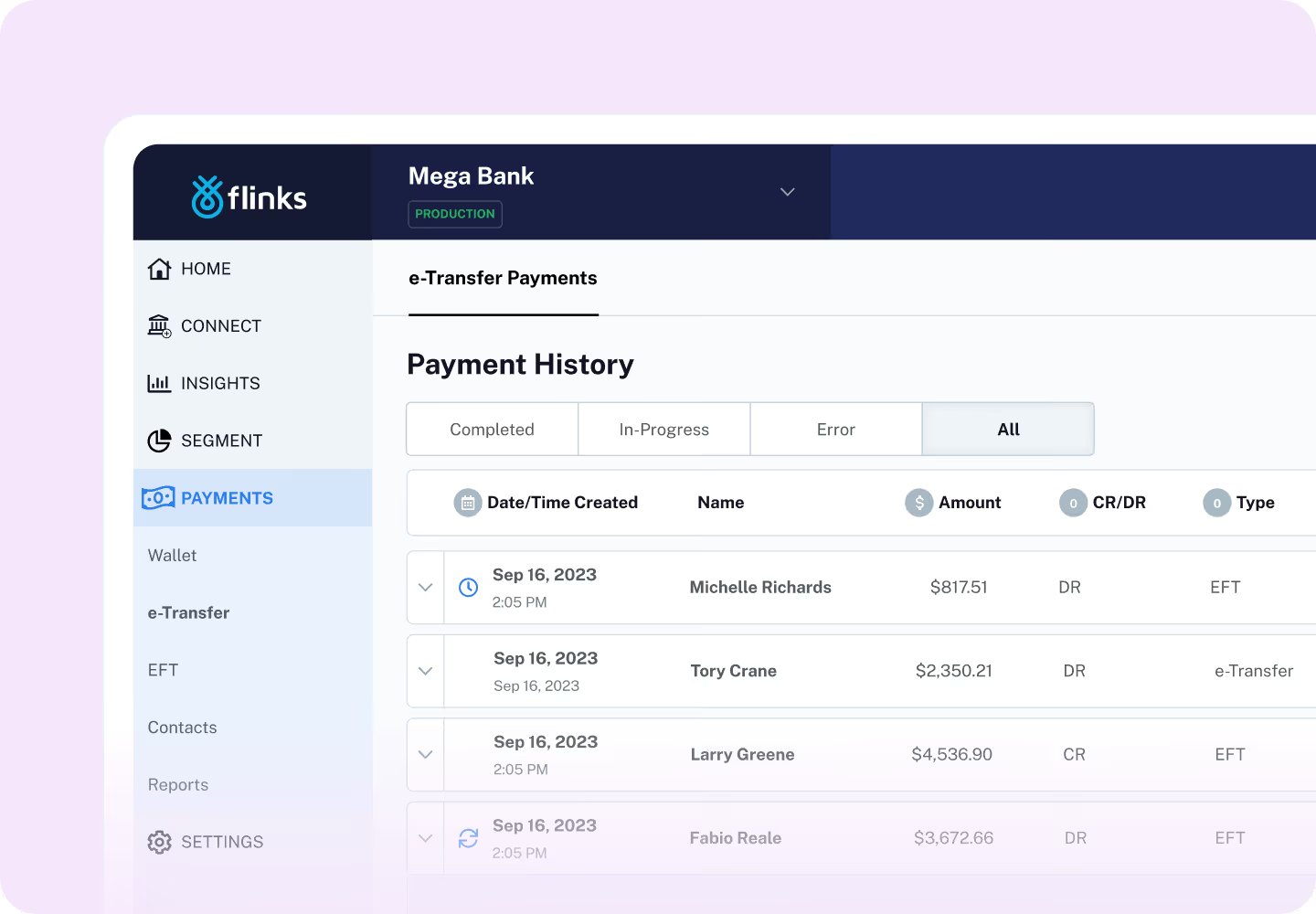
A consolidated dashboard where your team can monitor and manage payments across your organization. Track transaction activity, review payment details, and access operational insights from a single interface.
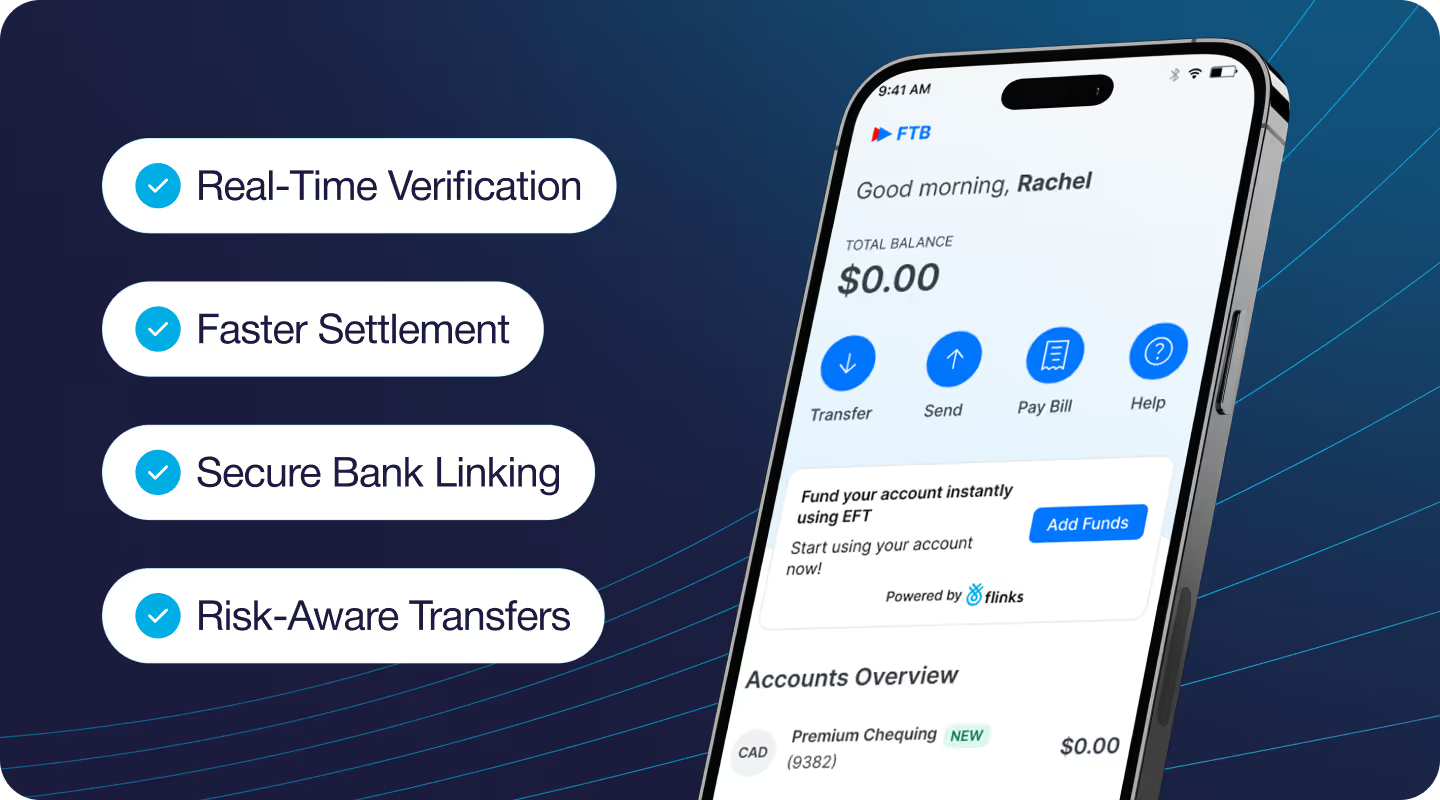
Flinks Guaranteed EFT
Guaranteed EFT combines secure bank account linking, real-time verification, and transaction risk assessment to ensure transfers settle reliably. By confirming account details and evaluating payment risk before processing, Flinks helps reduce NSF failures and provide faster access to funds.
Flinks G-EFT is designed for financial institutions and platforms that require dependable A2A payments at scale, supporting high-value and high-volume transactions with predictable settlement.
Frequently asked questions
- What types of payments does Flinks Pay support?
Flinks Pay supports account-to-account (A2A) payments through Canadian bank rails, including Electronic Funds Transfer (EFT) and Interac Request for Money (RFM).
- How long do payments take to process?
Processing time depends on the payment rail:
- Interac Request for Money: typically completes within 30 minutes after customer approval.
- EFT: follows standard Canadian clearing timelines and settlement windows.
- How do customers authorize payments?
Customers securely connect their account and authorize the payment through their bank. For EFT payments, customers also approve a Pre-Authorized Debit (PAD) agreement.
- Does Flinks Pay support card payments?
No. Flinks Pay focuses on A2A payments through bank rails, not card processing.
- Can Flinks Pay send Interac e-Transfers?
Flinks Pay currently supports only Interac Request for Money, where customers approve a payment request through their bank.
- Can I track the status of a payment?
Yes. Payment status can be tracked through the Flinks Pay API endpoints, allowing your platform to monitor events such as request creation, approval, processing, and completion.
- When should I use Flinks Guaranteed EFT?
Flinks Guaranteed EFT is designed for organizations that require faster funding and reduced payment risk, particularly in high-volume transaction environments.
- Is Flinks Pay a payment processor?
Flinks Pay is not a traditional payment processor. It enables A2A payments through Canadian bank rails, combining bank account connectivity with payment initiation to support embedded finance experiences.
Explore our embedded finance solutions
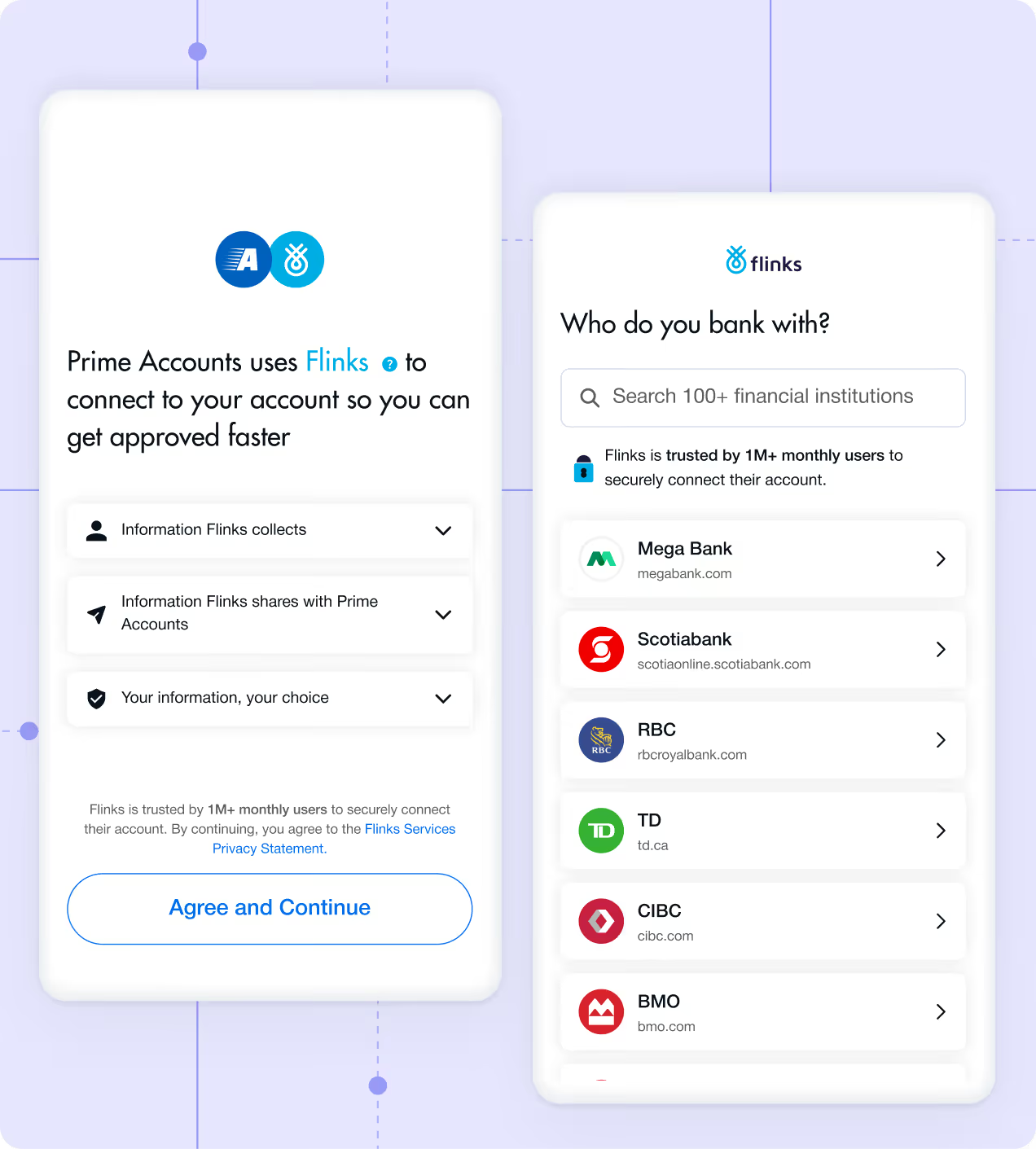
Connect
Easily connect to your customer’s financial accounts.
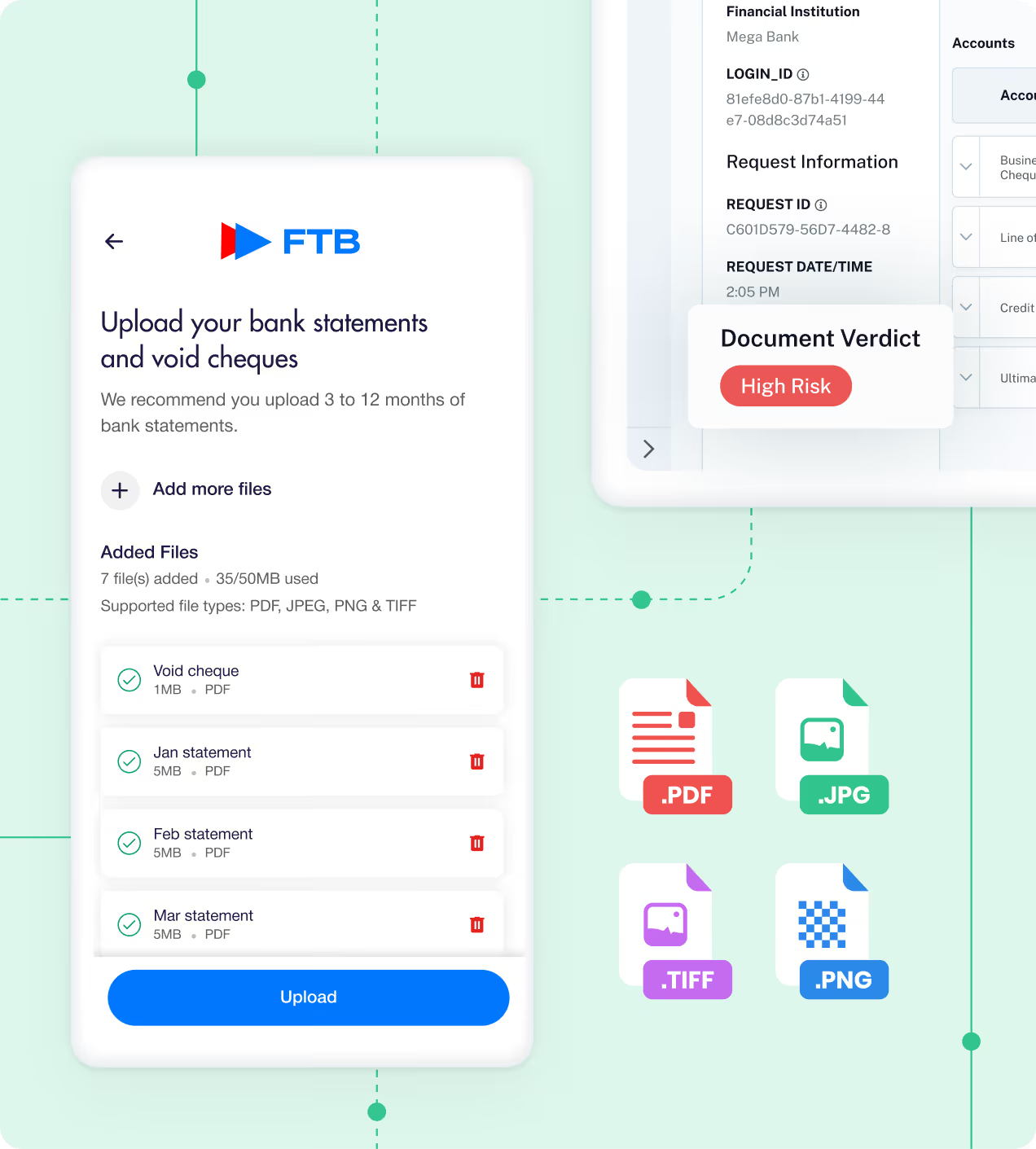
Upload
Process and verify bank statements and void cheques in real time to prevent fraud, accelerate decisions, and streamline onboarding.


%201.png)


%201.png)
